Oversite Plans is built for millwork and finish contractors. Shop drawings, live delivery schedules, verified field dimensions, and daily reports — one platform from the office desktop to the iPad on the jobsite, pulled straight from the files your company already keeps.

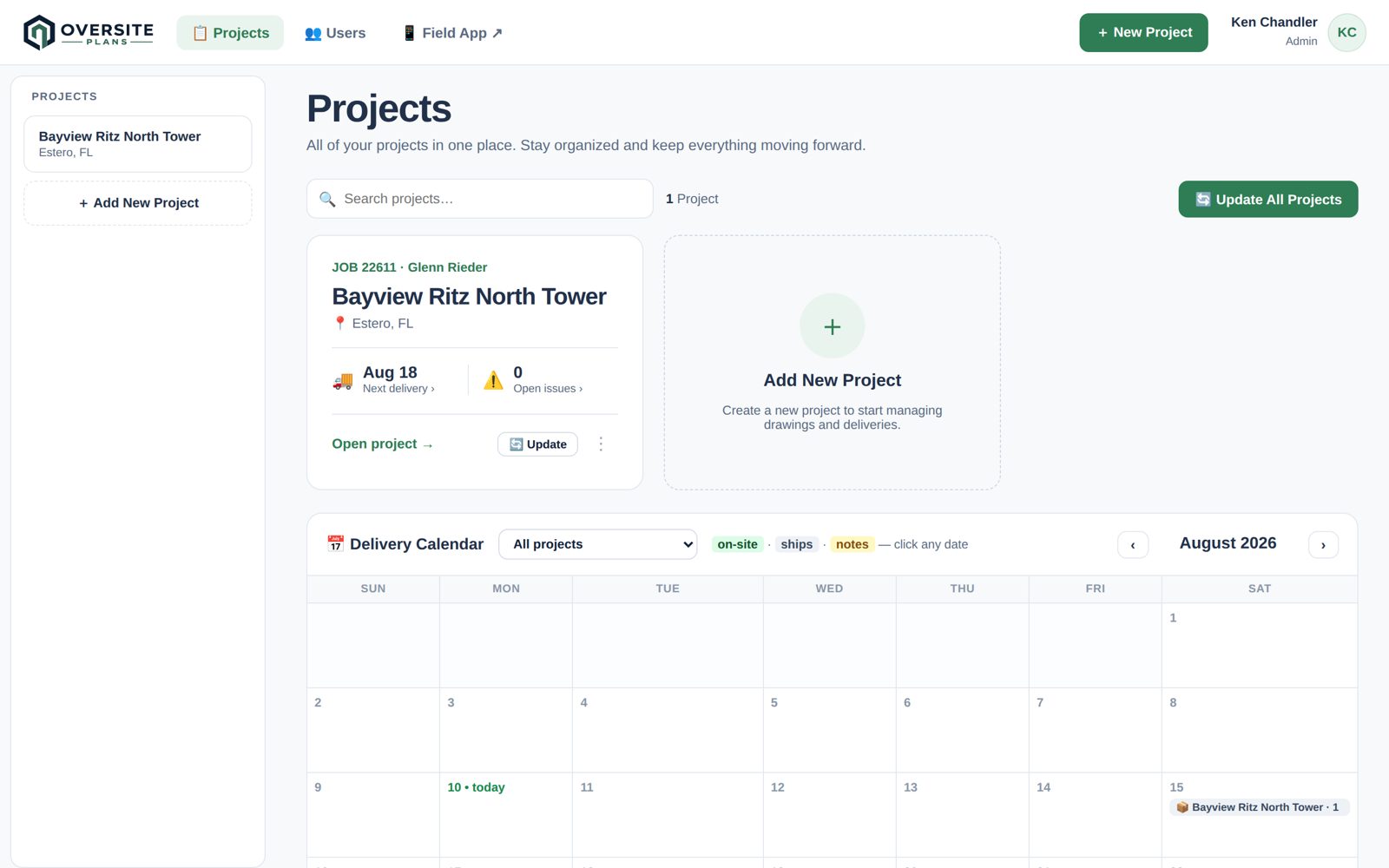
The PM dashboard shows next deliveries and open issues for every job, a delivery calendar across all projects, and one button — Update All — that re-checks every drawing folder and tracker and reports exactly what changed.
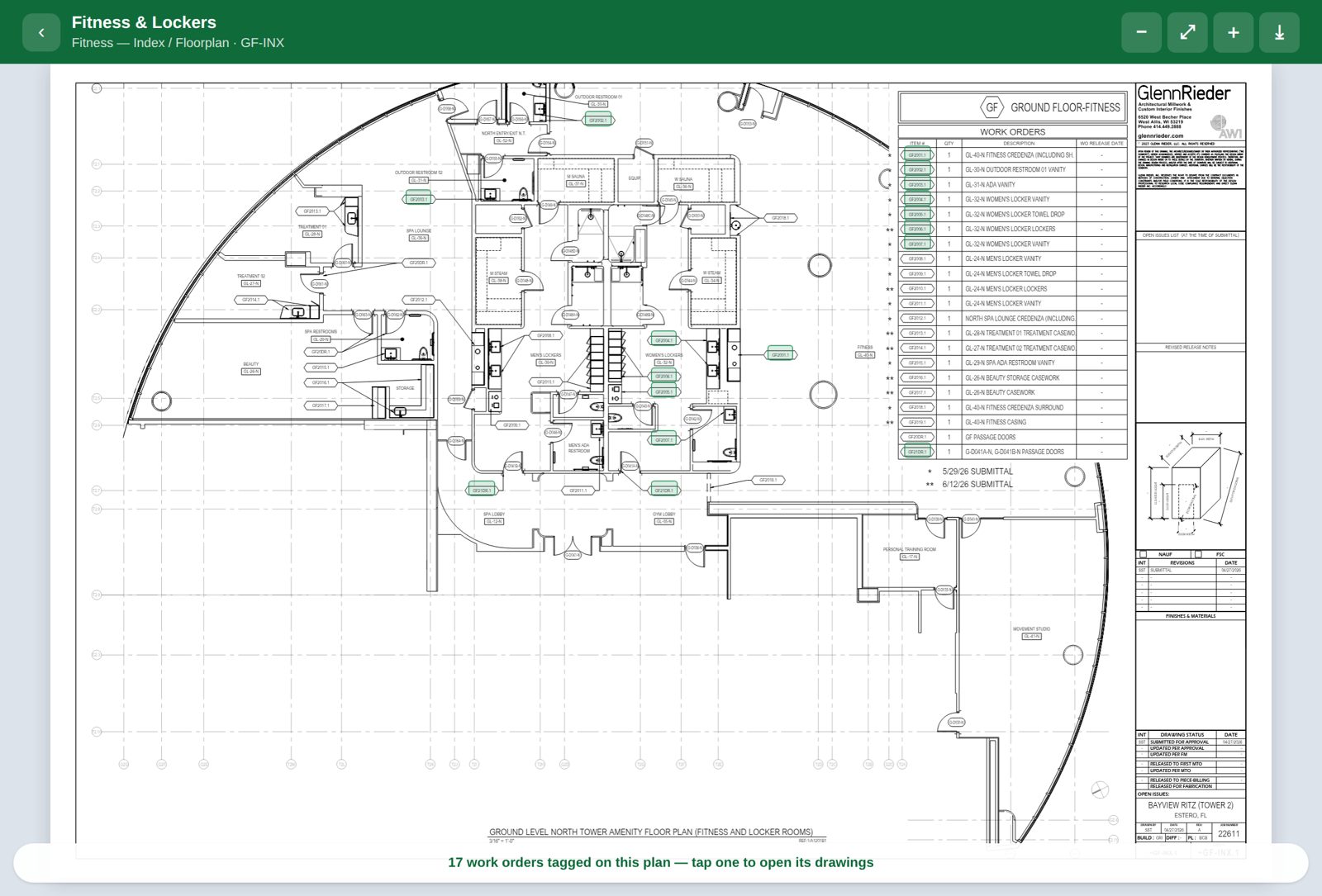
Index sheets become interactive automatically — every work-order tag on the plan is a live link. Tap a tag, the shop drawing opens. Seventeen sets, one sheet, zero hunting.


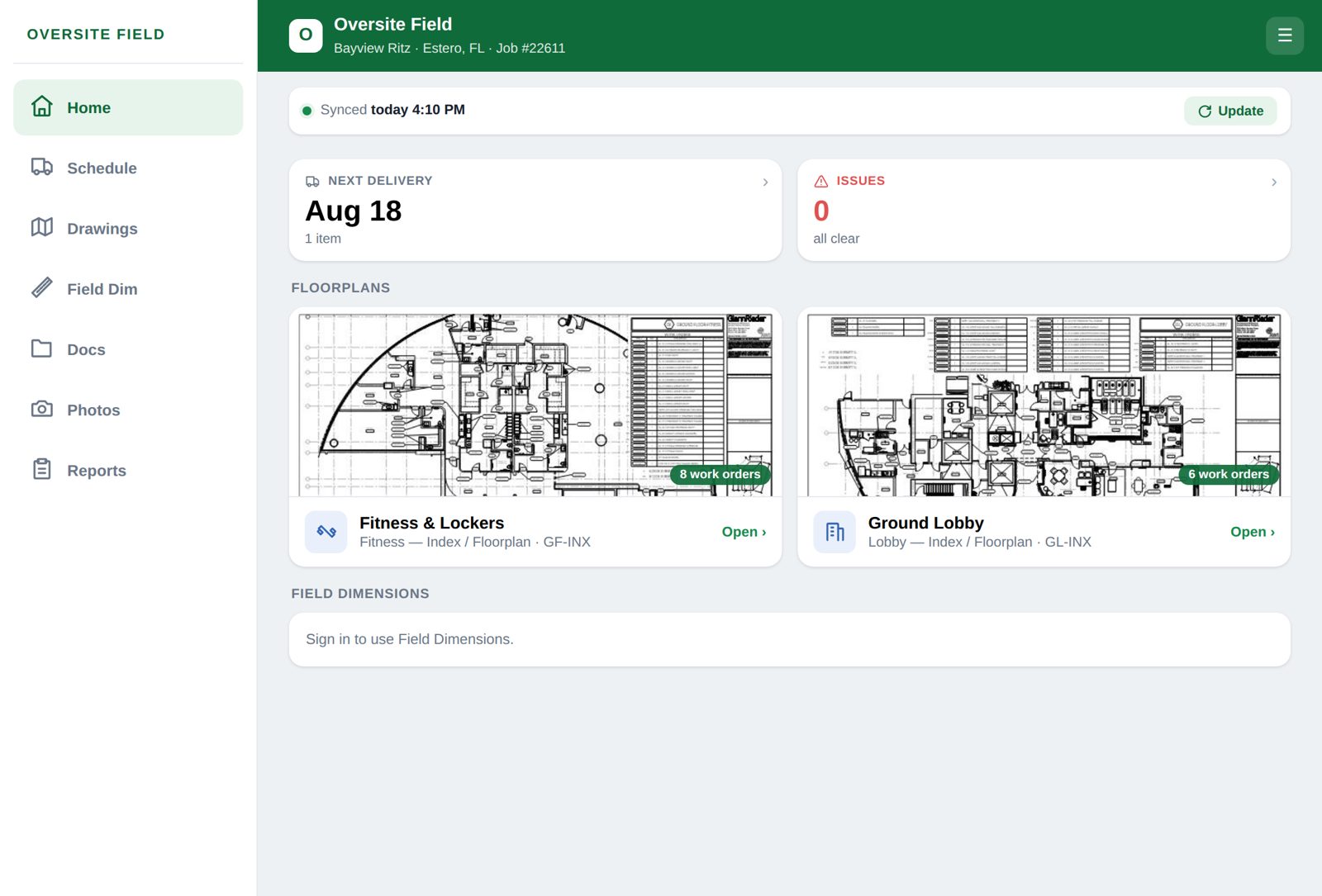
Next delivery, open issues, floorplans, drawings, photos with burned-in labels, daily reports — all offline-capable, all synced to the office the moment there’s signal.
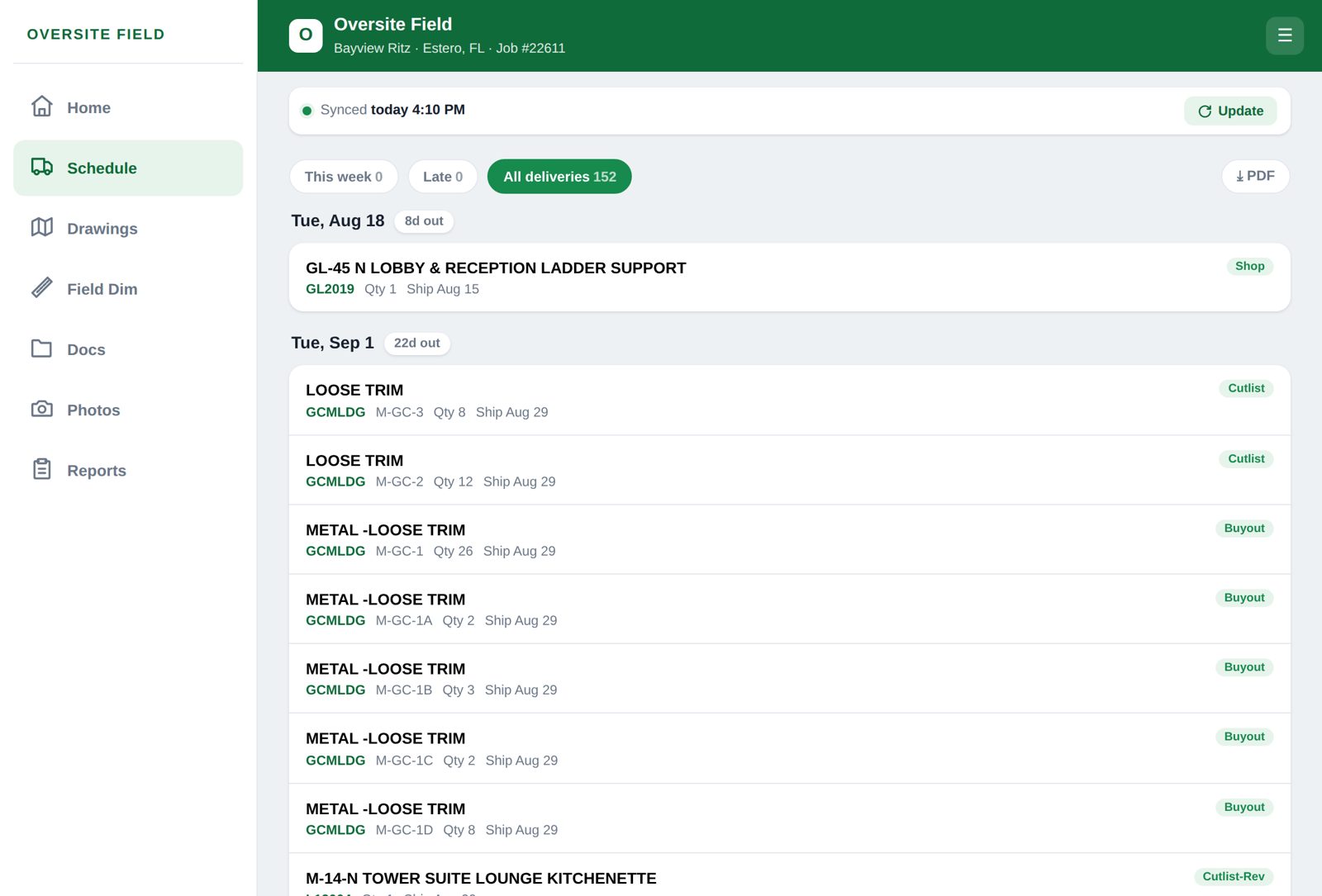
Pulled live from your company tracker — on-site dates grouped by week with countdowns, ship dates, material status, and issue flags. Long-press any delivery to drop a reminder on your phone’s calendar.

Office to field, one job start to finish.
Verify, photograph, done — the permanent field record.
From tracker update to the crew’s calendar reminder.
Your PM opens the dashboard, hits Update All, and in thirty seconds knows every drawing revision, every schedule change, and every flagged issue across all four projects — before the first phone call.
The calendar shows what lands on every site this week. The foreman long-pressed Thursday’s delivery and his phone reminds him Wednesday night. The material arrives; the crew is ready; nobody scrambles.
Your installer opens the FD drawing, taps the VIF checkpoint, records the real dimension with a required photo — timestamped and logged. Engineering adjusts the drawing to the field. When the dispute comes, you have the record.
Oversite Plans gives your team the tools to manage every detail of finish work with clarity and confidence.
Every shop drawing lives under its W.O.#. Tap a tag on the floorplan and the right sheet opens — crisp, zoomable, and current on every device.
On-site dates, ship dates, material and submittal status straight from your company tracker. One dashboard shows every project — next deliveries, open issues, and a delivery calendar across all jobs, with one-click "Update All."
Every V.I.F. on the drawings becomes a checkpoint. Crews record the exact field dimension, what it was measured from, and a required photo — timestamped, logged, and reviewable at the office. The permanent field record your drawings get adjusted from.
Installs on iPads and phones straight from the site. Drawings, schedule, photos with burned-in labels, issues, manpower, and one-tap daily reports — everything exports to PDF, and it all keeps working with no signal.
A real Windows application for the office. Reads your drawing folders directly — every file, no browser limits — remembers them permanently, and keeps itself up to date automatically.
Admins manage users and grant access project by project. PMs run schedules and reviews. Field crews see exactly the jobs they are assigned — nothing else.
Drawings, trackers, and schedules stay right where your company keeps them — Egnyte, SharePoint, Google Drive, Dropbox, or Box. Oversite Plans connects read-only. Nothing moves, nothing gets re-uploaded.
Drawings are indexed by W.O.#, matched to the floorplan, and tied to their delivery dates from your tracker — automatically.
When the office updates a drawing or a date, the jobsite sees it. No emailing sheets, no printing revisions, no version confusion.
Sold direct to your company — no app stores, no middlemen. Every plan includes setup help and updates that install themselves.
Designed specifically for finish contractors and the way you build.
Cloud-based platform that keeps your projects with you — office, shop, or jobsite.
Fewer mistakes, better coordination, and more time to focus on quality.
No. Oversite Plans reads your drawing folders and tracker where they already live, read-only. Only what you explicitly publish to your field crews is synced to the cloud — encrypted in transit and at rest on Google Cloud infrastructure.
No. The office program downloads directly from this site, and the field app installs to iPads and phones straight from the browser. No app stores, no middlemen, updates ship the moment they’re ready.
The field app keeps working — drawings stay viewable, photos and field dimensions queue on the device and sync automatically when signal returns.
Download the program and start a free trial from inside it — no meetings required. When you purchase, your company gets a license key. Per-user access is managed by your own admins, project by project.
Every user signs in. Admins grant access per project — a crew member sees only the jobs they’re assigned, enforced server-side. Roles separate admin, PM, and field permissions.
Yes. The desktop program checks for updates automatically and installs them with one click. Field devices always load the latest version.
Download the desktop program for the office, install in under a minute, and start a free trial right inside the app — no account setup, no app store. Crews open the field app on any iPad or phone.
Windows 10/11 · 64-bit · self-updating · license key or free trial on first launch